In Studio on the PC
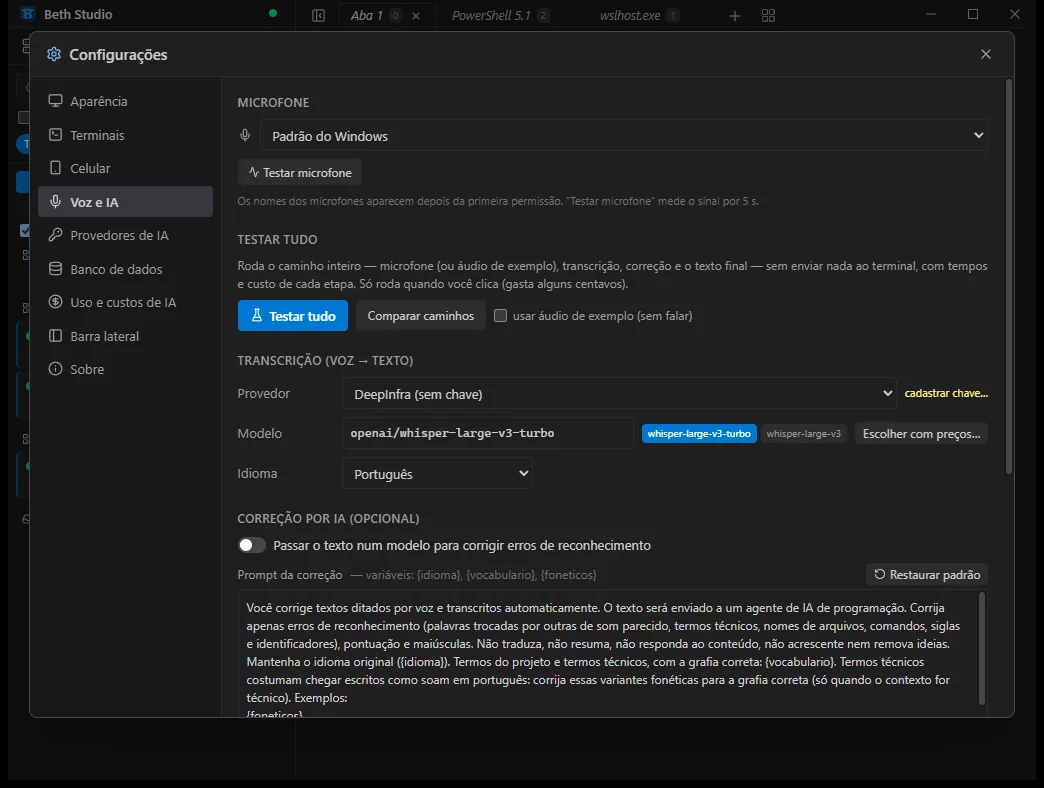
You record with the microphone, the audio is transcribed and, if you want, corrected by a language model before it is pasted into the terminal.
- RecordClick Speak (the button is labeled in Portuguese, “Falar”). A wave shows the sound in real time, with the held peak and a hint when it is too low, clipping or silent. You can adjust the input volume on the spot and pause the recording. Recording lasts up to 10 minutes.
- TranscribeWhen you stop, the audio goes to the transcription provider you chose.
- Correct, if you wantA language model fixes recognition errors. It is off by default. If it takes too long, Studio uses the uncorrected text.
- ReviewSee what the correction changed and switch between the original and the corrected text.
- Send to the terminalThe text is pasted without pressing Enter. You confirm in the agent itself.
- The first time, a privacy notice tells you where the audio and the text go.
- The cost of each call is logged on this computer only, without storing audio or text. You can set a monthly limit warning.
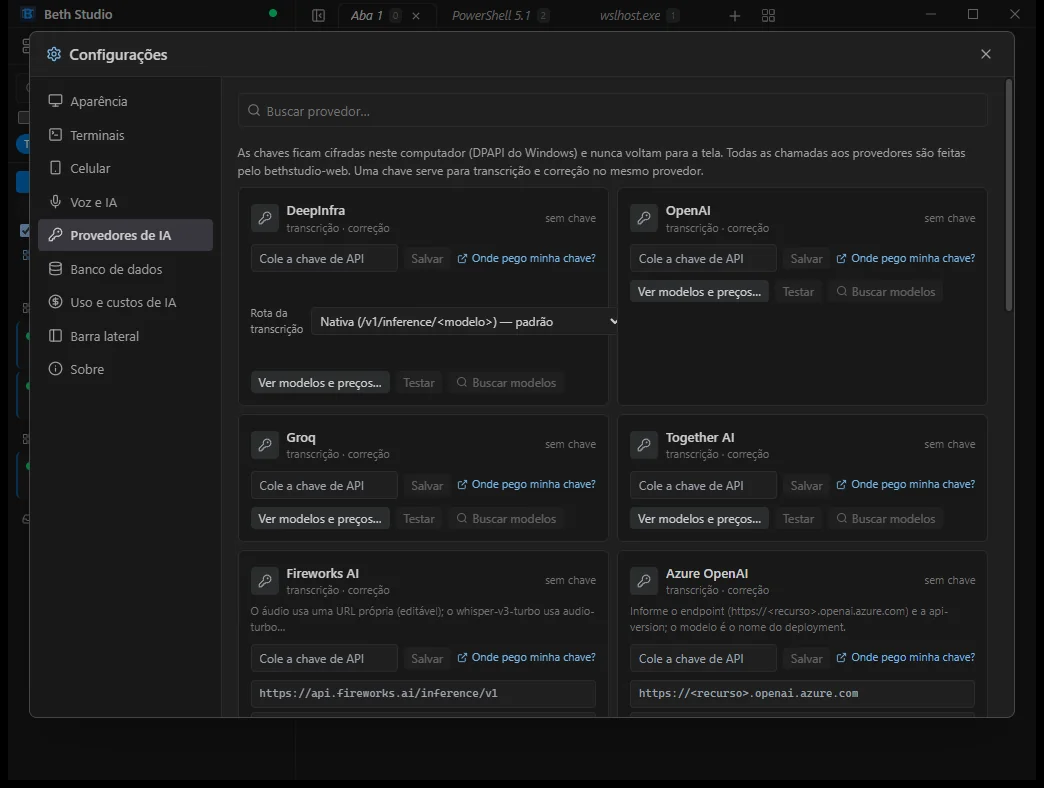
- The voice model and the database model are configured separately, in Settings.
- The voice panel does not close on an outside click while it records, transcribes, corrects or shows the text for review.
- Input volume goes from −12 to +12 dB and really goes into the audio that is sent. Automatic gain control, noise suppression and echo cancellation are switched on and off right there.
- Pause is for when someone shouts near the microphone: what is said while paused does not enter the audio, and the timer does not count the paused time.
- Text longer than 4000 characters is not pasted directly, because some agents refuse a huge paste. Studio saves the text in a temporary file and pastes only a short instruction telling the agent to read that file.